
Website Design and Development: Building a Better Online Experience
A website is often the first place people encounter a business, organisation or idea. A well-designed site can make that first impression count, help visitors find what they need and encourage them to take the next step. Achieving this takes more than an attractive layout: effective websites bring thoughtful design and reliable development together.
What do website design and development involve?
Website design focuses on how a site looks and feels, and how people use it. It includes the layout, typography, colours, imagery, navigation and the overall journey from one page to another. Good design reflects the purpose and identity of a business while making information clear and easy to access.
Website development turns those designs into a working website. It involves building the pages and features, organising content, and making sure the site works across different browsers and devices. Depending on the project, development may also include content management tools, online forms, booking systems or e-commerce functionality.
Start with the people who will use the site
The most effective websites are shaped around their audiences. Before design and development begin, it helps to understand who the site is for, what visitors are looking for and what the organisation wants the website to achieve. These goals can guide decisions about structure, content and functionality.
Clear navigation is especially important. Visitors should be able to understand where they are and find relevant information without unnecessary effort. Concise page headings, descriptive links and a logical menu all contribute to a more straightforward experience.
Design for every screen
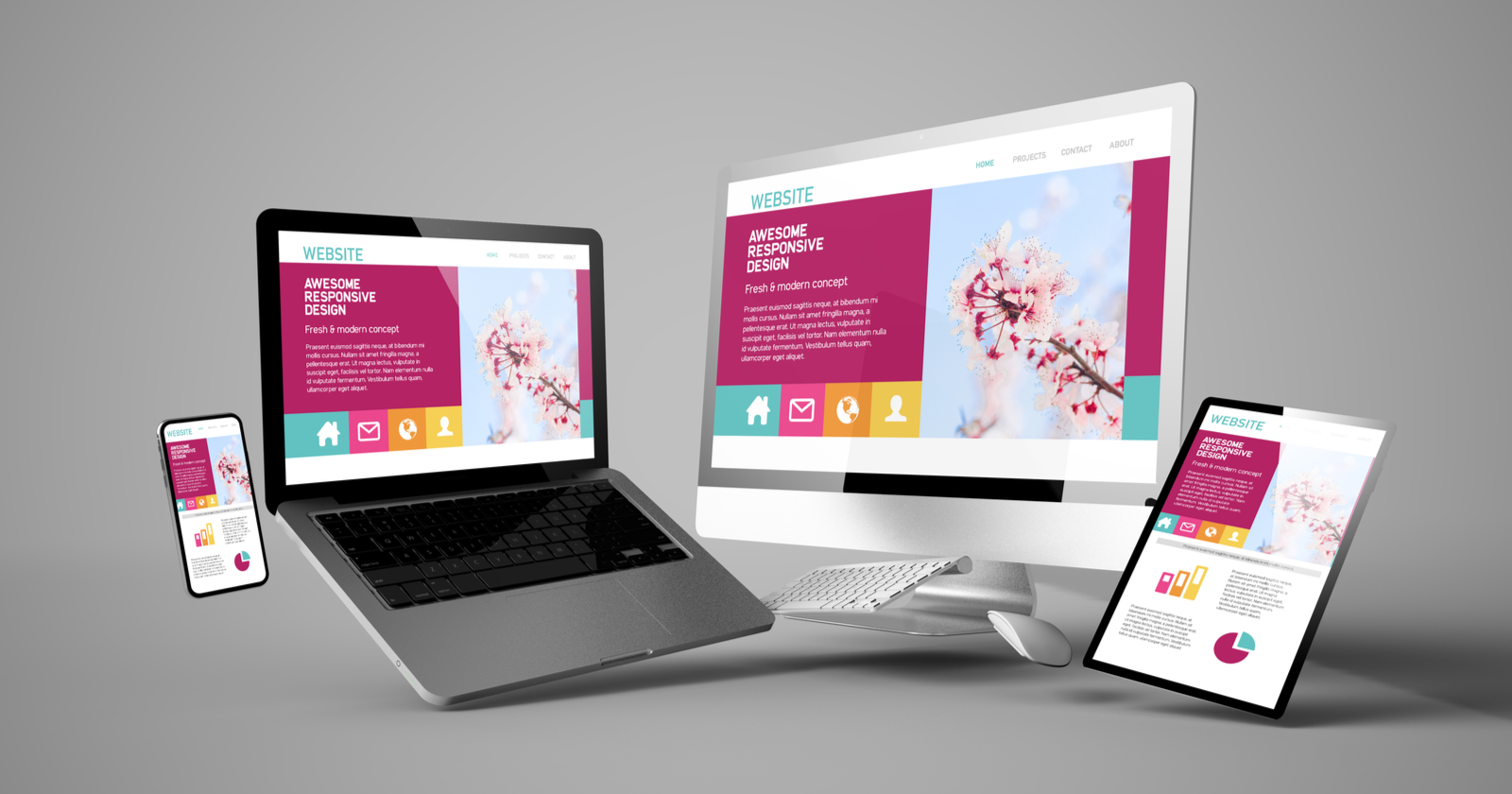
People browse the web on mobiles, tablets, laptops and desktop computers. Responsive design allows a website to adapt to different screen sizes, so text remains readable, images fit the layout and key features are easy to use. This is not simply a matter of shrinking a desktop page; the experience should be considered across devices from the outset.
Accessibility should also be part of the design process. Strong colour contrast, clear focus states, descriptive image text and support for keyboard navigation can make a site easier to use for more people. Accessible design often benefits all visitors by making content clearer and interactions more predictable.
Performance, search and security
A website should load promptly and behave reliably. Large image files, unnecessary scripts and poorly organised code can slow pages down, particularly on mobile connections. Performance can be improved through careful asset optimisation, efficient development and regular testing.
Search engine optimisation also starts with a well-structured site. Descriptive page titles, useful headings, relevant content and a clear internal linking structure help both visitors and search engines understand what each page is about. There is no single design feature that guarantees visibility, but a technically sound, helpful website provides a strong foundation.
Security matters too. Keeping software up to date, using secure connections and handling personal information responsibly can help protect both the organisation and its visitors. The right safeguards depend on the website’s features and the type of information it collects.
A thoughtful process makes a difference
A successful website project usually moves through several stages: planning, content preparation, design, development, testing and launch. Testing should cover different devices and browsers, as well as forms, links, navigation and other interactive features. Reviewing the site with real users can also reveal issues that are easy to miss during development.
Launching the website is not necessarily the end of the work. Content may need updating, software may require maintenance, and visitor feedback can suggest improvements. Regular reviews help ensure the site continues to meet its goals as the organisation and its audience change.
Building a website with purpose
Good website design and development combine visual appeal with usability, accessibility, performance and dependable functionality. By starting with clear objectives and keeping visitors’ needs at the centre of each decision, organisations can create websites that are useful, welcoming and ready to grow with them.
5 Essential Tips for Better Website Design and Development
- Design for mobile screens first.
- Keep navigation clear and consistent.
- Use accessible colours and readable text.
- Optimise images to improve loading speed.
- Test across browsers and devices.
Design for mobile screens first.
Designing for mobile screens first helps create a website that works well where many people are most likely to use it: on a phone. Start with the essentials, such as clear content, simple navigation, readable text and easy-to-tap buttons, then adapt the layout for larger screens. This mobile-first approach keeps pages focused, improves usability on smaller devices and provides a strong foundation for a consistent experience across phones, tablets and desktops.
Keep navigation clear and consistent.
Keep navigation clear and consistent so visitors can find what they need without confusion. Use familiar labels, organise pages in a logical order and place menus where people expect to see them. Keeping the navigation structure consistent across the site helps users understand where they are and move between pages with confidence.
Use accessible colours and readable text.
Choose colour combinations with strong contrast so text is easy to read, and avoid using colour alone to communicate important information. Use clear, legible fonts at a comfortable size, with enough spacing between lines and paragraphs. These choices make your website easier to use for people with visual impairments, as well as anyone browsing in bright light or on a small screen.
Optimise images to improve loading speed.
Optimise images to help your website load faster and keep visitors engaged. Choose the right file format, resize images to fit their display dimensions, and compress them to reduce file size without noticeably affecting quality. For pages with many images, consider lazy loading so pictures appear as visitors scroll. These simple steps can improve the browsing experience, particularly for people using mobile devices or slower internet connections.
Test across browsers and devices.
Test your website across a range of browsers and devices before launch. Pages can look or behave differently in Chrome, Safari, Firefox and Edge, while smaller screens may affect layouts, menus and forms. Checking these variations helps uncover problems early, so every visitor can enjoy a consistent, accessible experience whether they’re using a mobile, tablet or desktop computer.