
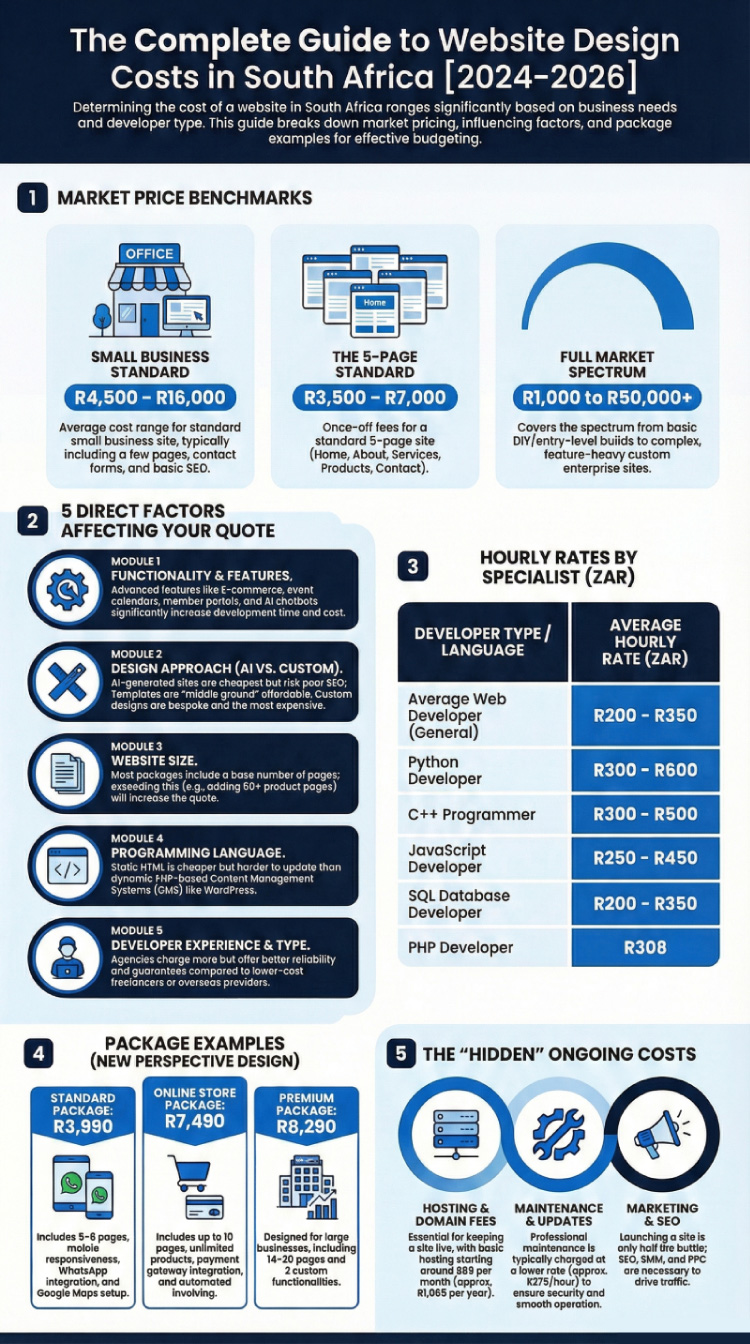
How Much Does Website Design Cost in the UK?
The cost of website design can range from a few hundred pounds to tens of thousands, depending on what you need. A simple website for a small business is very different from a bespoke online shop or a complex web application. Understanding the factors behind the price can help you set a realistic budget and choose the right designer or agency.
The figures below are indicative UK estimates, not fixed quotes. Prices vary by provider, project scope and location, and may exclude VAT, copywriting, photography, hosting and ongoing support.
Typical website design costs
- DIY website builder: Often around £10–£50 per month, plus any premium features, domain or professional support.
- Freelancer-built brochure website: Commonly around £1,000–£5,000 for a small, straightforward site.
- Agency-built small business website: Often around £3,000–£10,000, depending on the amount of strategy, design and development involved.
- Bespoke website: Usually £10,000 or more when it requires custom functionality, integrations or a large amount of content.
- E-commerce website: A basic online shop may start at a few thousand pounds, while a larger or more customised store can cost £10,000–£30,000 or more.
These ranges are a starting point. Two websites with the same number of pages can have very different costs if one needs custom features, extensive research or complex integrations.
What affects the cost of website design?
The type and size of the website
A compact website with a handful of pages generally costs less than a large site with multiple sections, user accounts, search tools or an online shop. More pages can mean more design, content entry, testing and project management.
Design requirements
A template-based design is usually more affordable and can work well for businesses with straightforward needs. A bespoke design is created around your brand and audience, and typically involves more research, design revisions and development time.
Functionality
Features such as booking systems, payment processing, membership areas, product filters, interactive forms and customer portals add to the cost. Third-party services may also charge their own subscription or transaction fees.
Content and branding
Designers need material to build around. If you already have a logo, photography and polished website copy, the project may be simpler. If you need help with brand identity, copywriting, product descriptions or photography, allow for these as separate costs or confirm whether they are included in the quote.
Content management system
A content management system (CMS) lets you update parts of the site yourself. Popular platforms offer different levels of flexibility, ease of use and maintenance. Some have licence, hosting or extension fees, so ask what ongoing costs apply.
Search engine optimisation and accessibility
Technical SEO basics, such as clear page structure and appropriate metadata, may be included in a website project. More extensive SEO work—such as keyword research, content planning and ongoing optimisation—is often priced separately. Accessibility testing and improvements can also affect the project scope, but should be considered from the outset.
What might be included in a website quote?
Website proposals can cover different services, so compare the scope rather than looking at the headline price alone. A quote may include:
- planning and discovery;
- site structure and page layouts;
- visual design and revisions;
- website development and CMS setup;
- mobile and tablet layouts;
- content entry and basic SEO setup;
- testing and launch support; and
- training or a period of post-launch support.
Check how many design revisions are included, who supplies the content, and whether the quoted price includes VAT. Also confirm who owns the finished design, website files, domain and accounts after the project is complete.
Ongoing website costs to budget for
The initial design and build are only part of the total cost of owning a website. You may also need to budget for:
- Domain name: the annual fee for your web address;
- Hosting: the service that stores and delivers your website;
- Maintenance: updates, backups, security checks and technical support;
- Software and licences: fees for themes, extensions or third-party tools;
- Content updates: new pages, products, images or copy; and
- Marketing: ongoing SEO, advertising, analytics or email campaigns.
These costs can range from modest monthly subscriptions to more substantial support agreements, depending on the platform and level of service. Ask for a clear breakdown before committing.
How to keep your website project within budget
- Set clear priorities. Separate essential features from ideas that could be added later.
- Prepare your content. Having approved copy, images and brand assets ready can reduce delays and extra work.
- Choose the right solution. A template or established platform may be a sensible choice if your needs are straightforward.
- Plan for growth. Make sure the site can be extended without paying for complex features you do not yet need.
- Compare detailed proposals. Check deliverables, exclusions, timelines, payment terms and ongoing charges—not just the total.
Is a cheaper website always better value?
Not necessarily. A low-cost website may be a good fit if it meets your needs and is easy to maintain. But a price that seems unusually low may exclude important work, such as content preparation, mobile testing, security setup or post-launch support. On the other hand, a higher-priced project is only worthwhile if the additional expertise and functionality bring value to your business.
Think about the purpose of the site, the people who will use it and the results you expect. A clear brief makes it easier to receive accurate quotes and decide what level of investment makes sense.
Final thoughts
Website design costs depend on the scope, complexity and level of customisation involved. A basic site can be relatively affordable, while a bespoke or feature-rich website requires a larger investment. Look beyond the initial build price, ask what is included and plan for ongoing costs. With a clear brief and realistic priorities, you can choose a website solution that fits both your budget and your goals.
5 Tips for Managing Website Design Costs
- Set a clear budget before requesting quotes.
- Compare like-for-like quotes and check what’s included.
- Keep features focused to avoid unnecessary costs.
- Ask about ongoing hosting, maintenance and support fees.
- Agree milestones and payment terms in writing.
Set a clear budget before requesting quotes.
Set a clear budget before requesting quotes so designers can recommend solutions that fit your needs and price range. Be upfront about what you can spend, and explain which features are essential and which could wait. This helps you compare like-for-like proposals, avoid paying for unnecessary extras and spot quotes that leave out important work or ongoing costs.
Compare like-for-like quotes and check what’s included.
When comparing website design quotes, make sure you’re comparing the same scope of work, not just the headline prices. Check whether each quote includes planning, design revisions, copywriting, mobile optimisation, SEO setup, testing, launch support and training, and note any exclusions or extra charges. Clarifying these details helps you understand the true cost, avoid surprises and choose the best value for your needs.
Keep features focused to avoid unnecessary costs.
Keep your website’s features focused on what visitors genuinely need. Every additional function can increase design, development, testing and maintenance costs, so prioritise essentials such as clear navigation, useful contact options and any tools that directly support your business goals. Extra features can always be added later if they prove worthwhile.
Ask about ongoing hosting, maintenance and support fees.
Before agreeing to a website design quote, ask what you’ll pay for hosting, maintenance and support after launch. These ongoing fees may cover essential services such as security updates, backups, software renewals and help with technical issues, but they can vary considerably between providers. Check what is included, how quickly support is available and whether charges are monthly, annual or billed separately, so you can budget for the true long-term cost of your website.
Agree milestones and payment terms in writing.
Agree milestones and payment terms in writing before work begins. A clear schedule should set out what will be delivered at each stage, when payments are due and what happens if the scope or timeline changes. This helps both you and your designer manage expectations, track progress and avoid misunderstandings about costs.